
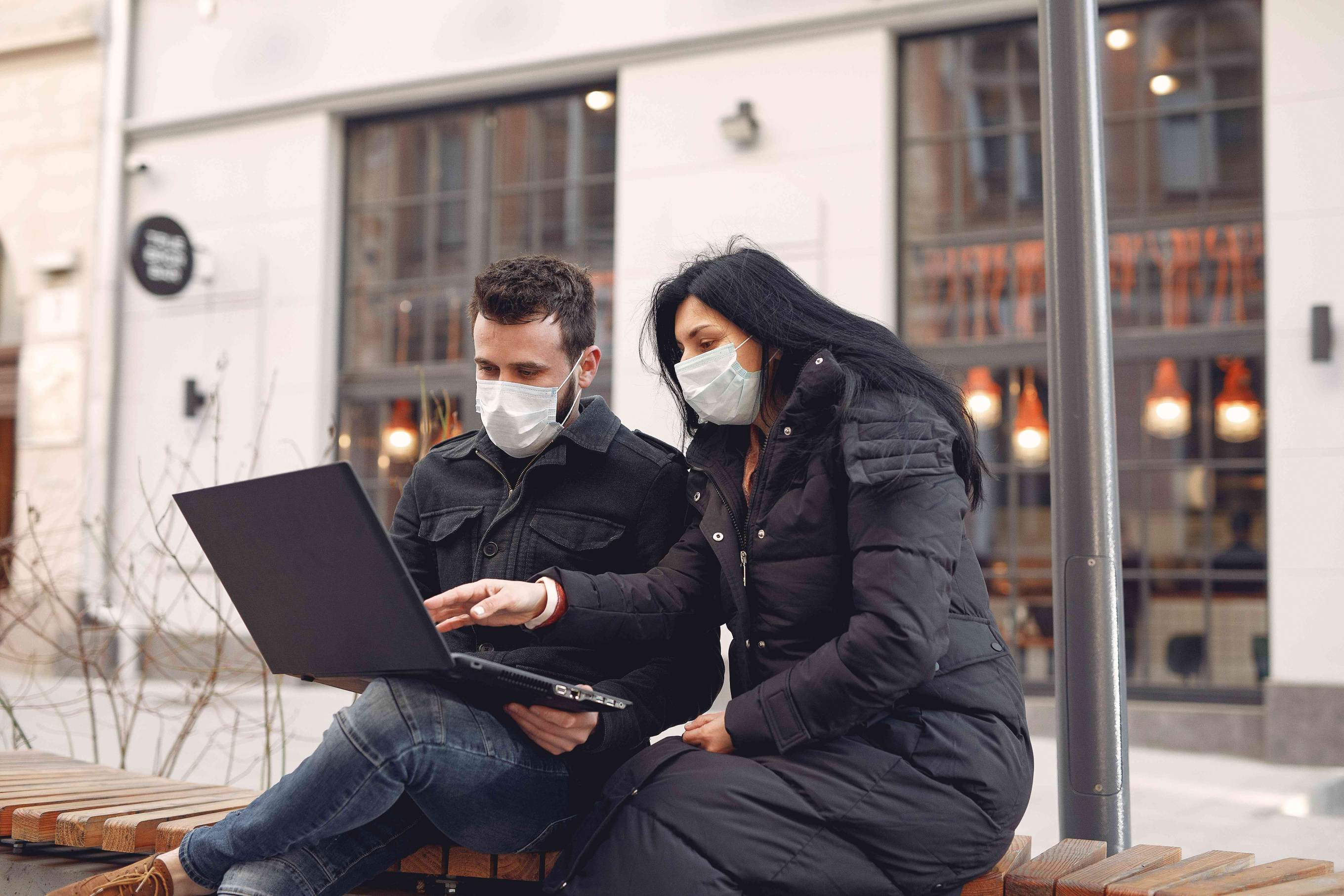
Protect your Investment: Laptop Computers and Cold Weather
The snow is falling in Vancouver, which means the temperature is dipping below zero. While this type of weather is usually short-lived on the West Coast, these cold spells can hurt your computer hardware. As a leading IT support company serving businesses and individuals throughout the region, we've seen firsthand how winter weather can damage expensive technology investments. Laptop owners need to pay especially close attention to where their computers are stored when the air becomes moist and/or cold.
Understanding Cold Weather Risks to Your Technology
Modern laptops contain sensitive electronic components that can be severely damaged by extreme temperatures. LCD screens can crack, hard drives can fail, and condensation can cause short circuits when moisture comes into contact with electrical components. These issues aren't just inconvenient; they can result in data loss, expensive repairs, or complete hardware failure. That's why our managed IT services team always emphasizes preventative care during the winter months.
The manufacturer-recommended operating temperature for most laptops ranges between 50°F and 95°F (10°Cando 35°C), with storage temperatures typically between 14°andto 113°F (-10°C to 45°C). Exposing your device to temperatures outside these ranges, even briefly, can void warranties and cause permanent damage.
Essential Cold Weather Protection Steps
Following the steps below will help reduce the likelihood of computer hardware becoming damaged due to extreme weather conditions. Please remember that these are simply guidelines. If you are concerned about the health of your computer, please contact a Sea to Sky technician for assistance as soon as possible. Additionally, if you wish to further protect your investment, please ask Sea to Sky to include a "drops and spills" warranty on your new computer.
Scenario: Laptop Left in a Cold Car
The most common scenario in which a laptop becomes exposed to freezing conditions is in the trunk of a car. Firstly, a car is never a good place to store a laptop it's also a target for theft. It is best to take your laptop inside with you whenever possible. If you find yourself in a situation where the laptop has been exposed to temperatures outside of the manufacturer's specifications, we recommend following these simple steps:
1. Power Down Completely Make sure the laptop is completely turned off (not just in sleep mode); take the battery out if possible. This prevents electrical current from flowing through components while condensation may be present.
2. Warm Gradually to Room Temperature. Bring the laptop inside with you to help it reach room temperature. Make sure you allow the computer to come to room temperature naturally; do not use a hair dryer or any other heater to accelerate this process. Quick temperature changes can cause the components to loosen, crack, or break. Rapid thermal expansion is one of the leading causes of hardware failure that our IT services near me clients experience during winter.
A simple way to check the temperature of the computer is by touching the outside surfaces, including the keyboard, with your bare hand. If the computer feels cold when compared to the room, the ideal temperature is 22 degrees Celsius (72°F). You must continue to wait; patience is a virtue. Warming a laptop from freezing to room temperature could take anywhere from 30 minutes to a few hours, depending on how cold the device became.
3. Check for Condensation Before Powering O.n Finally, check for condensation. If you find condensation, do not turn the laptop on until it has completely evaporated. You should check for condensation in the fan's exhaust vents and the input ports (USB, monitor, audio, etc.) on the laptop. Look carefully at the screen as wel, asl moisture between display layers, is a telltale sign the device needs more time. Again, allow this process to occur naturally with the computer completely powered off.
Additional Cold Weather Best Practices
As part of our managed IT services, we recommend these additional protective measures during winter:
Use an Insulated Laptop Bag: Invest in a quality, padded laptop bag with insulation to provide an extra layer of protection during transport.
Keep Laptops Close to Your Body: When walking between locations in cold weather, carry your laptop bag close to your body to share warmth.
Avoid Leaving Devices in Vehicles Overnight: Even if temperatures seem mild, overnight conditions can drop significantly.
Monitor Battery Health: Cold weather can reduce battery capacity and lifespan. Our IT support company technicians can test battery health and recommend replacements when necessary.
Back Up Critical Data Regularly: Environmental damage isn't always predictable. Cloud backups and external drives ensure your data survives even if your hardware doesn't.
Rugged Laptop Solutions for Extreme Conditions
If you plan on using your computer in extreme weather or temperature conditions oregularly we recommend investing in a laptop designed for rugged use. The Dell Latitude series of computers is a great example of a product designed for less-than-favorable conditions. This specialty line of laptop computers offers exceptional performance and retains the business styling of the Latitude line.
The Latitude ATG computers have been tested to MIL-STD 810G and IP5X levels of protection against ingress of humidity and dust. They also include special rubber seals to protect the data ports from direct exposure to unfavorable conditions. Additionally, the Dell Latitude ATG series of computers includes a reinforced metal chassis to reduce the likelihood of internal damage from a short fall of approximately 30 inches.
Other rugged laptop options our IT services near me team recommends include:
Panasonic Toughbook Series: Industry-leading durability for field workers
Lenovo ThinkPad X1 Carbon: Business-grade construction with enhanced weather resistance
HP EliteBook Rugged Series: Military-grade protection with modern performance
When to Seek Professional IT Support
Even with careful precautions, cold-weather damage can occur. Contact Sea to Sky Network Solutions immediately if you notice:
Screen flickering, discoloration, or visible cracks
Unusual sounds from the hard drive or fan
Failure to power on or repeated crashes
Keyboard or touchpad malfunctions
Port connectivity issues
Water spots or moisture under the screen
Our technicians can diagnose weather-related damage and often recover data even from severely damaged devices. As part of our IT services, we also offer preventative maintenance programs that include seasonal technology health checks.
Protecting Your Business Technology Investment
For businesses, winter weather preparedness should be part of your comprehensive technology strategy. We offer customized IT services that include:
Hardware lifecycle management and replacement planning
Environmental risk assessments for your technology assets
Employee training on proper device care and handling
Emergency data recovery services
Extended warranty and insurance coordination
Don't wait until damage occurs to protect your valuable technology investments.
Contact Sea to Sky Network Solutions for Expert IT Support
Whether you need immediate assistance with a cold-damaged device or want to establish comprehensiveIT services for your organization, Sea to Sky Network Solutions is your trusted local IT partner for all technology needs. Search IT services near me and discover why Vancouver-area businesses rely on our expertise to protect their investments and maintain productivity in any weather.
If you are interested in learning more about how to keep your technology investments safe, or if you wish to learn more about rugged laptop options, schedule a call today.